We all know that standing out online requires unique aesthetics. Inspired by the wave of emerging AI businesses and classic design trends, our team hunted for the best web design software in the market that welcomes new visual techniques to refresh our online presence.
In this blog, we will share what the top web design software and builder tools are best for small businesses, enterprises, and much more. Let’s look at which brands are leading where.
- What Is Web Design Software?
- How to Choose the Best Web Design Software?
- Top Web Design Software for Professional Website Creation
- Best Web Design Tools for Beginners
- Best Web Page Design Programs for Professionals
- Best Website Design Tools for Small Businesses
- Top Home Page Design Tools for Creating Attractive Landing Pages
- Free vs Paid Software Web Design Solutions
- Essential Features Every Web Design Tool Should Have
- Common Mistakes to Avoid When Choosing Web Design Software
- Future Trends in Web Design Software
- Conclusion
- Frequently Asked Questions
What Is Web Design Software?
Web design software is any digital tool that helps you create and launch websites. Good design is important since 94% of a user’s first impression of a business comes down to how their website is designed. Today, the market for website builders has grown into a massive $3.57 billion industry as more people build online spaces. In this section, we will break down what these platforms do. You will also see the different types of tools available, so you can choose the best option as per your design requirements. Professional web design services also use these tools to create visually appealing and user-friendly websites.
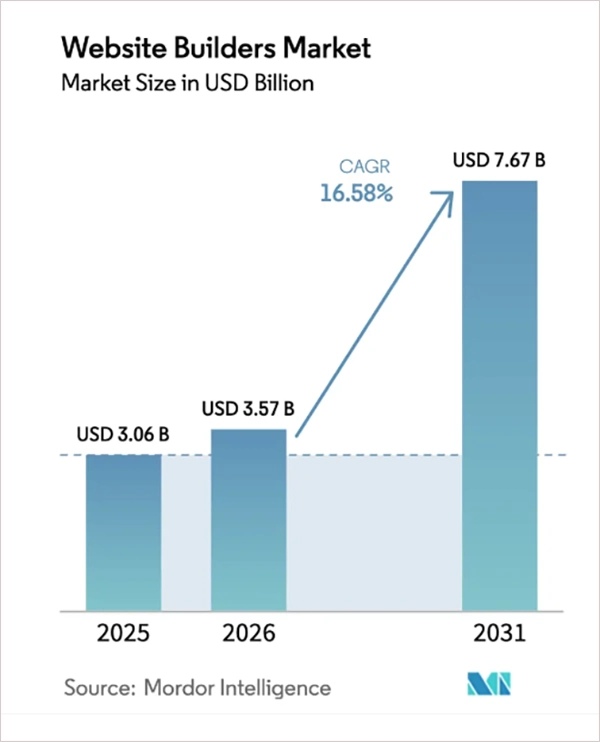
Understanding Website Design Software
To truly understand website design software, you must look at how it bridges the gap between creative ideas and functioning code. In the past, building a website required writing lines of HTML and CSS by hand. Today, these modern tools act as a translator that turns your visual layouts, fonts, images, and texts into clean code automatically. This shift from manual to automatic in the design world shifts the focus entirely to user experience (UX) and visual storytelling without technical programming.
Understanding these web design tools also means recognizing that no single tool fits every project. Some software focuses entirely on the early stages, like wireframing and prototyping. Other platforms are built to launch live, fully functional websites with the click of a button. By learning how these tools function, you can easily pick the right web design software that matches your budget and tech skills. Once the design is ready, website development services can turn these visual concepts into functional websites.
Design Tip: Demographics play a huge role in user behavior.
Types of Web Design Tools
Web design software comes in many types. This overview breaks down the top choices into 5 simple groups.
- Visual website builders: Using them, you can build sites without code. You can just drag and drop shapes, texts, images, etc.
- UI/UX design software: They focus entirely on the look and feel of a site. Designers use them to map journeys and colors.
- Code editors: These editors are built for developers who want full control. They get a clean space to write raw code.
- CMS-based design tools: Content Management Systems are made for sites with lots of content, like blogs or online stores. You get a template with powerful data storage.
- Prototyping and wireframing tools: Prototyping turns flat sketches into interactive mockups. Users can click buttons and experience the UX just like a real website.
How to Choose the Best Web Design Software?
Choosing the best web design software comes down to matching the tool with your skill level, project goals, features, performance, and budget. You need to balance ease of use with the creative control required to build a great website.
1. Ease of Use
- Look for beginner-friendly interfaces that are simple to understand.
- Choose drag and drop functionality so that you can easily move text and photos, decreasing the time consumed.
2. Design Flexibility
- Pick a tool that gives plenty of templates and customization options.
- Make sure the software has responsive design capabilities so that your site looks perfect on any screen.
3. Collaboration Features
- A software with team collaboration facilities and real-time editing syncing will let multiple users work on the same webpage at the same time.
4. Performance and Speed
- Test the software to make sure there is a quick design rendering so changes appear instantly on your screen without lag.
- Also, look for easy export and publishing options to launch your final website with one click.
5. Pricing and Licensing
- Compare free vs paid software to see if the free tier offers enough features for your design goals.
- Also, checking the recurring subscription vs one-time purchase budget is also important.
Top Web Design Software for Professional Website Creation
Ready to build? Choosing the right web design software is a game-changer for professional website creation. Today, industry giants like Figma, Adobe Dreamweaver, and WordPress with page builders stand out as the top three solutions for creators globally. Let’s look at the top 10 web design tools in detail to see how they perform.
1. Figma
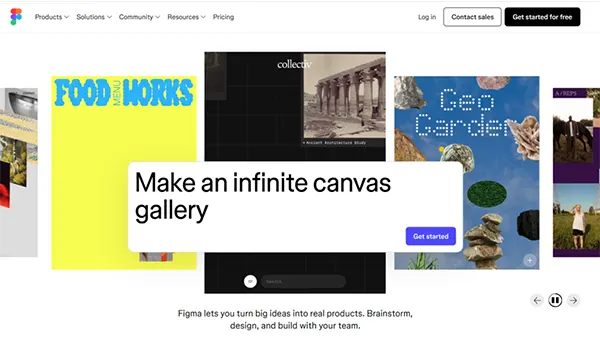
Figma is a cloud-based UI/UX platform designed to handle the entire design process within your browser. Designers can plan layout, wireframes, map user experience, and build website blueprints here before moving to development.
- Real-time collaborative features
- Advanced prototyping capabilities
- Developer-ready specifications
- AI-Design agent web search
- Smart variation adaptation
2. Adobe Dreamweaver
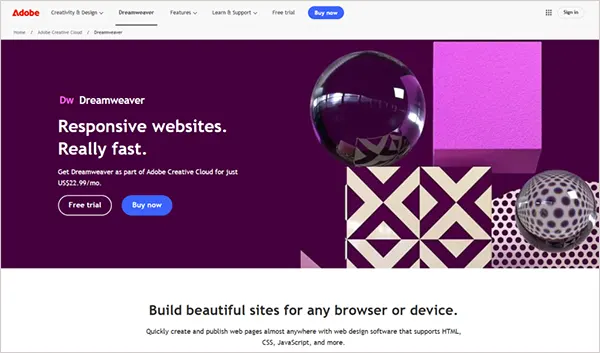
Adobe Dreamweaver is an advanced web design software that combines a visual design and coding environment into a single workspace. As a powerful Integrated Development Environment (IDE), it allows front-end developers to write precise scripts while previewing the design changes live.
- Full HTML, CSS, and JS support
- Live view editing
- Built-in FTP client
- Git support
3. WordPress with Page Builders
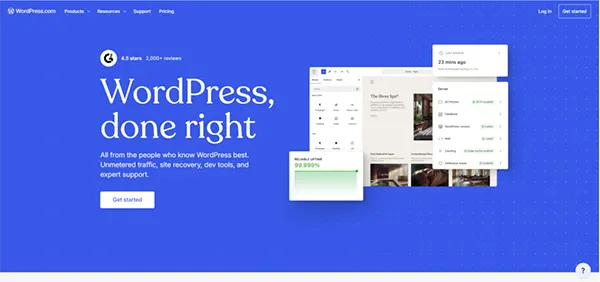
The third is WordPress with page builders, a flexible Content Management System (CMS) that balances backend with user-friendly web creation. You have a drag-and-drop engine that is scalable and perfect for everything.
- Theme customization
- Headless CMS framework
4. Webflow
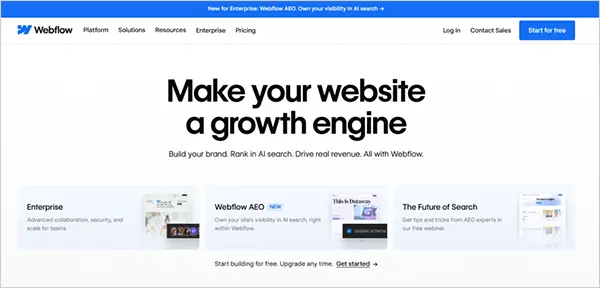
Next, in our lineup is Webflow, a no-code and low-code website design platform that brings visual layouts with professional-grade development. With this, you can build completely custom websites with or without code.
- CMS integration
- Advanced animation engine
- AI visual co-pilot
5. Wix Studio
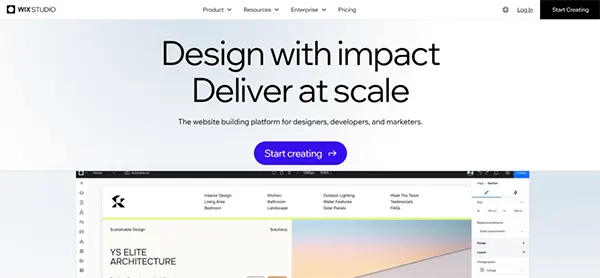
Moving down our list, we find Wix Studio, another drag-and-drop web design software for agencies and enterprises. It combines design with an ecosystem powered by automation that helps in complex enterprise web development without coding.
- Drag-and-drop website design
- On-canvas workspace collaboration
- Custom CSS control
- AI code assistant
6. Squarespace
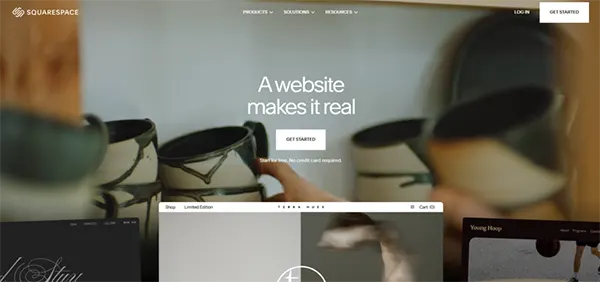
Squarespace is an all-in-one web design software known for its award-winning professional templates. It’s a go-to solution for launching stunning portfolio websites and small businesses’ storefronts with zero coding experience required.
- Professional templates
- Portfolio websites
- Blueprint AI website builder
- Code-free
7. Framer
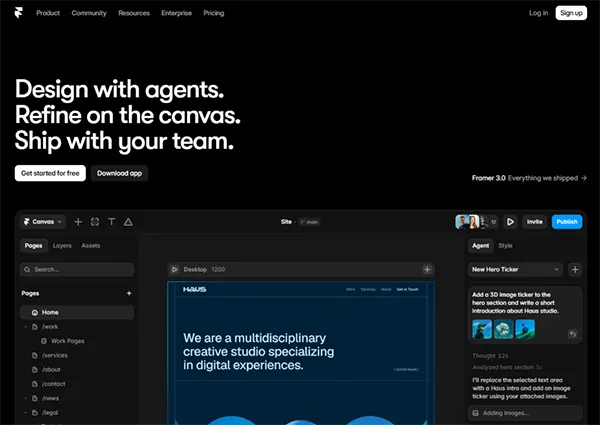
Next up, let us look at Framer, an exceptional web design tool that allows you to build visual experiences with advanced features without writing a single line of code. With Framer 3.0 (2026), you can make breakpoints, add effects, create components, connect to the CMS, organize styles, and so much more.
- Modern design canvas
- UI components
- Native web publishing
- Advanced design shader overlays
- Framer agent workflow co-pilot
8. Bootstrap Studio
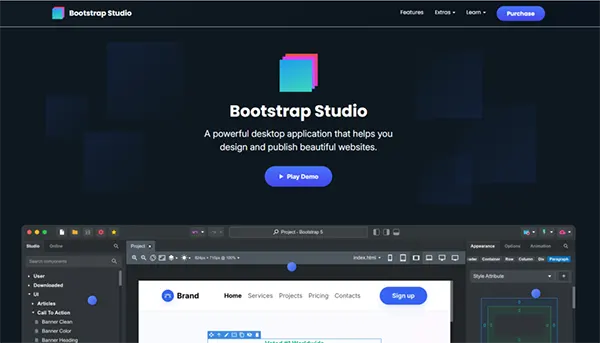
Bootstrap Studio is a specialised, desktop application designed and built over the Bootstrap framework for front-end developers who want to build website designs using a visual environment. It includes pre-styled interface blocks like navbars, sliders, forms, icons, etc.
- Ready to use web apps
- Visual drag and drop editing
- Rick component library
- For both beginners and pros
9. Visual Studio Code
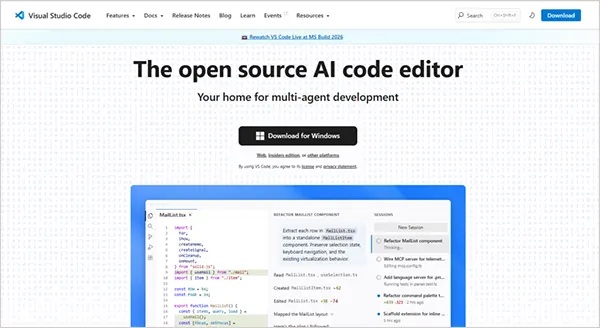
Visual Studio Code is a highly extensible open-source code editor with AI. A gold standard for developer-focused web design and coding. Being a universal choice for programmers worldwide, it gives a lightweight ecosystem where professionals can write, debug, share, and manage web architectures easily.
- Multi-language workspace
- Built-in Git management
- Automated flexbox and grid visualiser
10. Adobe XD (Legacy Considerations)
Finally, we have Adobe XD, which stands out as a legacy consideration for design teams managing website mockups. While it was once an industry standard, it is still used to map out user journeys, build wireframes, and prototypes with micro interactions.
- Vector-based UI/UX canvas
- Creative Cloud Library integration
Note: Because Adobe discontinued active development and support for XD, relying on it for new web projects may introduce security risks and bottlenecks.
Best Web Design Tools for Beginners
When starting out, choosing intuitive web design tools is essential to launch a website without the need to manage complex code repositories.
1. Wix
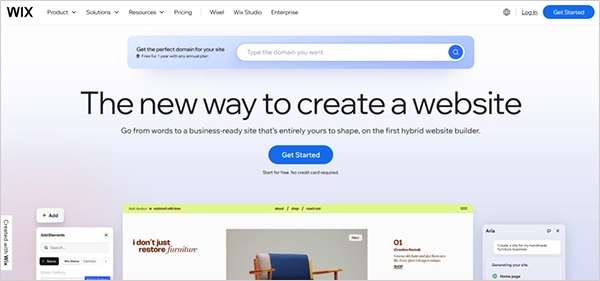
If you want total creative freedom without touching a single line of code, Wix is your best starting point. Using its drag-and-drop editor, you can place text, images, icons, buttons, etc., anywhere, making it just feel like designing a poster.
2. Squarespace
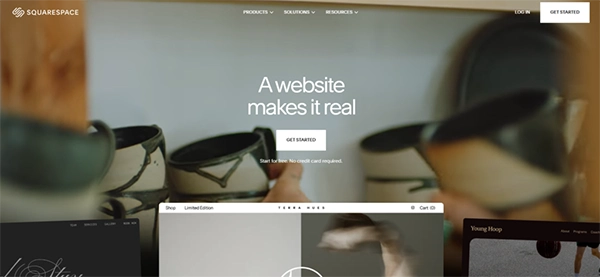
Squarespace is one of the best web design tools that gives you a structured grid, which is important for a beginner to lessen the design mistakes by snapping your content perfectly into the grid space.
3. Canva Website Builder
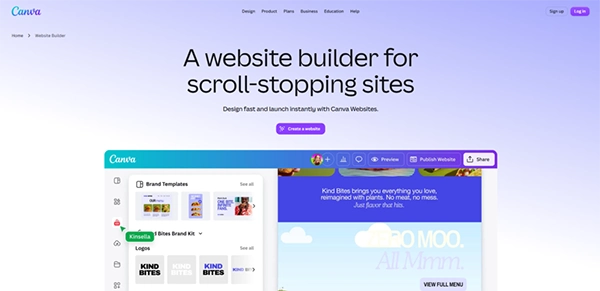
If you already know how to make a basic presentation slide or social media graphic, you already know how to use Canva to build a website. It is the gentlest introduction to web creation. It’s an ideal home page design tool for event invitations, etc.
4. Hostinger Website Builder
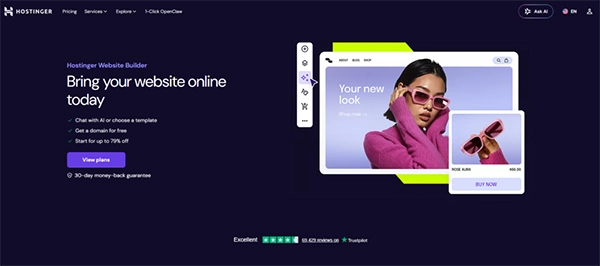
Hostinger is a budget-friendly website builder that can make your website run in under ten minutes. It relies heavily on artificial intelligence to build your pages, texts, set up layouts, and more based on a few quick questions.
Comparison Table: Beginner-Friendly Website Design Tools
| Tool | Ease of Use | Templates | Free Plan | Best For |
| Wix | Easy | Extensive | Yes | Small businesses |
| Squarespace | Easy | Premium | No | Creative professionals |
| Canva Builder | Very Easy | Good | Yes | Simple single-page websites |
| Hostinger Builder | Easy | Good | No | Budget users |
Best Web Page Design Programs for Professionals
In 2026, professional web page design programs must do much more than just draw layout pages. They need to offer intelligent AI helpers to build quick mockups, a live view feature, collaboration, and auto syncing, speeding up your work. Let’s look at the best choices for web page design programs.
1. Figma for UI Design
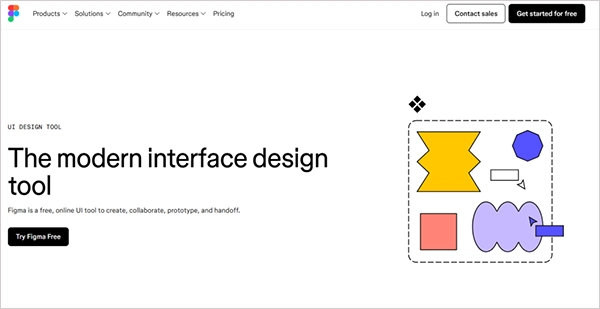
Figma UI design tool is the leading cloud-based UI/UX platform for teams to design and collaborate on websites in real time.
- It is purely a user interface styling application with a real-time multiplayer workspace.
- It works entirely on the cloud, so you never have to download heavy files.
- The advanced prototyping engine converts flat sketches into interactive mockups that feel like real sites.
2. Webflow for Design and Development
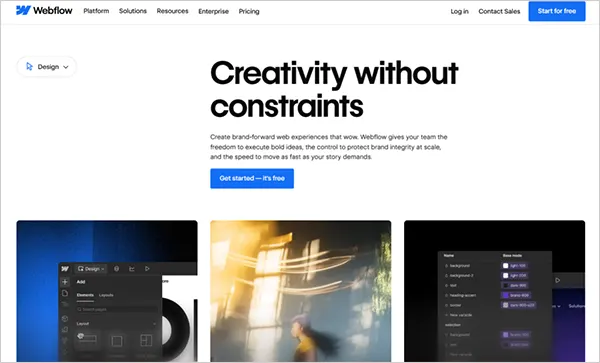
Webflow is an advanced visual builder that translates your layouts into production-ready website code automatically.
- Visual design with HTML and CSS code without manual scripting.
- Built-in layout tools automatically resize and adjust your canvas shapes across different phone screens.
3. Adobe Dreamweaver for Coding
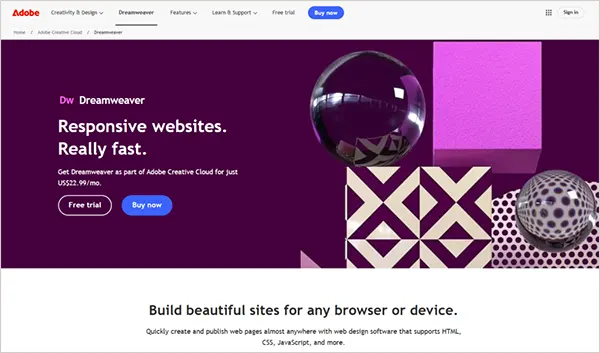
Adobe Dreamweaver is a classic web development application that combines a visual interface editor with a raw code workspace.
- Split-screen environment with visual layouts and code boxes.
- Integrated file transfer tools that upload your finished websites to remote web servers.
- It has internal useful syntax hints to speed up your coding adjustments.
4. Visual Studio Code for Advanced Customization
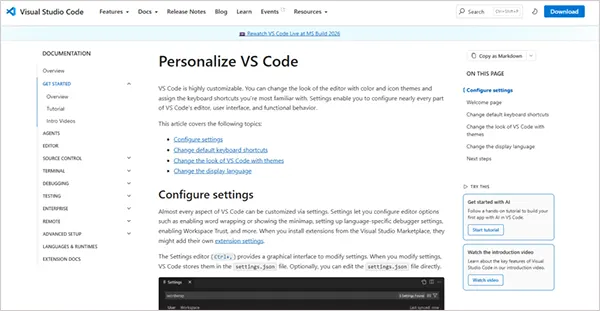
Visual Studio Code is a universal text editor for professional web developers and software engineers.
- Highly customisable with free add-ons.
- Offers thousands of free plugins to expand your design workflows.
- Deep integration with tracking systems easily saves your history and manages code changes safely.
Features Professionals Should Look For
- Component Libraries: Reusable design asset folders provide site-wide visual consistency across devices.
- Responsive Design: Fluid breakpoints automatically scale interface layouts perfectly across devices.
- Version Management: History tracking allows teams to revert any changes or updates safely.
- Team Collaboration: Shared multiplayer spaces allow simultaneous editing and fast client review feedback.
Best Website Design Tools for Small Businesses
Small businesses need cost-effective website design tools that deliver professional results quickly without needing a dedicated development team. With the right tool, small businesses can manage daily operations and scale customer growth on a manageable budget.
Design Tip: Website design is an important factor for determining credibility for 48% of visitors.
1. Wix Studio
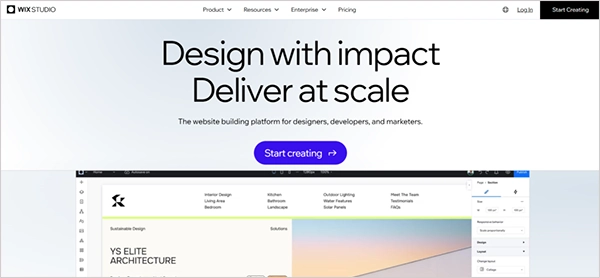
Alt: Wix Studio
Wix Studio is a website design tool that comes with visual design capabilities, along with built-in agency features. It is ideal for growing businesses that need highly customizable layouts and team collaboration specs.
2. Squarespace
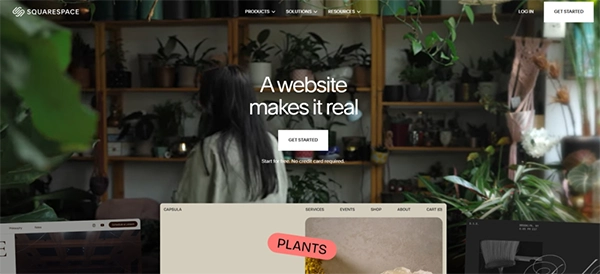
Squarespace is the premier choice for design-forward small business sites. It has built-in clean layouts and a drag-and-drop grid system for easy and efficient web designing. With features to streamline business operations, it is a good choice for small businesses.
3. Shopify for E-commerce

Shopify gives a rock-solid and secure shopping cart ecosystem made explicitly for scaling retail operations. This platform gives small businesses complete control over multi-channel inventory tracking, global payment checkouts, and more shopping-related functions. For businesses that need a more customised online store, e-commerce website development can support tailored shopping experiences and functionality.
4. WordPress with Elementor
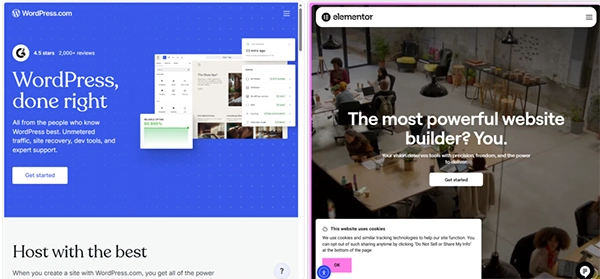
This classic web design tool combines open-source database scaling of WordPress with Elementor’s visual building interface. It gives unlimited customization freedom and access to thousands of custom plugins.
Benefits for Business Owners
- Visual templates let you launch websites faster.
- Lowers development costs by eliminating the need to hire external coding agencies.
- Built-in optimization tools guide you to rank higher on Google search with SEO-friendly designs.
- Mobile responsiveness of design makes images look perfect and load smoothly on smartphone screens.
Top Home Page Design Tools for Creating Attractive Landing Pages
For businesses that only need a single front page rather than a multi-page website, a specialised home page design tool works best. Because these platforms focus on visual impact and clear layout, you gain from one centralised location.
1. Framer
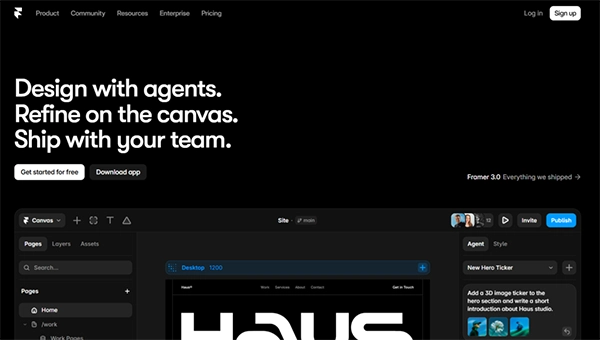
Framer is an interactive visual builder that works like a drawing app, but creates live websites instantly. It lets you add smooth animations, texts, images, components, and styles to your website without writing any code, being the best home page design tool.
2. Leadpages
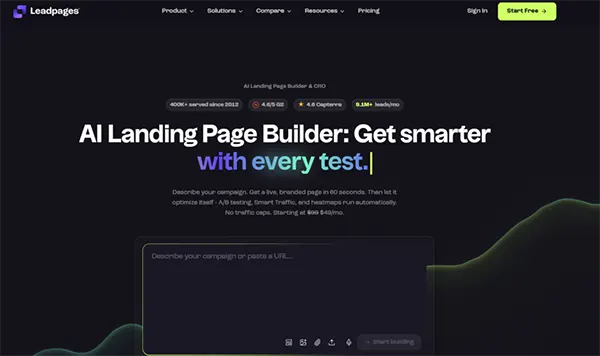
Leadpages is an easy drag-and-drop tool that has a large library of templates, including helpful tools like pop-up forms and single-page websites. It provides an easy and instant way to make a website home page with its new AI landing page builder.
3. Unbounce
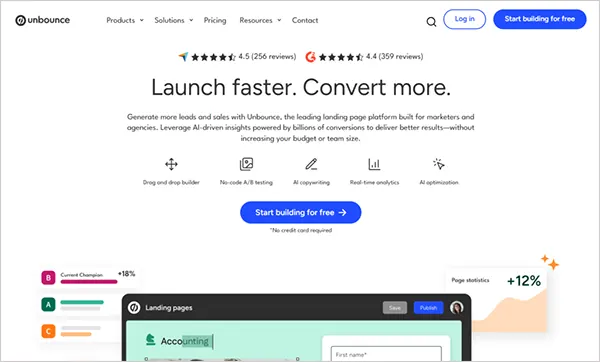
Unbounce is another page builder made for marketing teams. This home page design tool uses AI tools to look at how visitors behave and automatically show them the best version of your page. It also lets you change text instantly to match what people are searching for on Google.
4. Canva
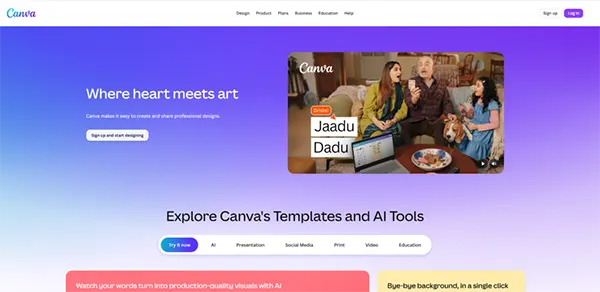
Alt: Canva
Canva gives the easiest way to launch a webpage if you have zero technical skills. It turns a famous graphic design workspace into a simple website creator, letting you publish a single page as easily as making a slideshow. It is totally free and perfect for a single homepage design.
Fact: Canva is the most widely used tool in the world, with TechCrunch reporting that Canva crossed an incredible 265 million monthly users globally.
Essential Homepage Design Elements
- Hero sections: The big, bold area at the very top of your page that tells visitors what you do within three seconds, which is crucial since visitors form a first impression in just 0.05 seconds according to research.
- Call-to-action buttons: Easy-to-click buttons like “Sign Up Free” or “Buy Now” that tell visitors what steps to take.
- Trust signals: Real customer reviews, star ratings, testimonials, case studies, and company logos show new visitors your business is safe and reliable.
- Mobile optimization: A flexible setup that automatically adjusts your website according to the screen size.
Fun Fact: A new website is built every seven seconds.
Free vs Paid Software Web Design Solutions
When building your online presence, you will find that both free and paid web design software are available in the market. Choosing the right software web design path depends on budget, skills, and how much growth you expect from your website in the future.
Advantages of Free Web Design Software
- Complete cost savings with zero financial risk
- Hands-on environment to practice and learning opportunities
- Strong community support and user groups
- Use tools with no expiration dates
Limitations of Free Tools
- Branding restrictions come with free web design tools that limit your usage.
- You get access to limited tool features, and advanced features are locked away.
- Storage and bandwidth limits for media files
Benefits of Premium Web Design Software
- Unrestricted usage and advanced design capabilities
- Priority customer support with 24/7 direct access
- Allows professional integrations
- Removes all platform advertisements completely
Comparison Table: Free vs Paid Options
| Feature | Free Software | Paid Software |
| Templates | Few basic choices | Premium library |
| Support | Community | 24/7 direct help |
| Customization | Simple changes only | Total design freedom |
| Integration | Basic links only | Unlimited professional apps |
| Scalability | Hard to grow | Built to expand |
Essential Features Every Web Design Tool Should Have
When building a website, your choice of web design software can make or break your final product. So, to make sure you do not waste time or money, your software must come packed with some core features that help you in the design process. Let’s look at these essential features that every design tool should have.
1. Responsive Design Support
Your site needs to look perfect whether the visitor opens it on a desktop or phone. Responsive design means that your website takes the shape of the screen it is displayed on.
2. Drag-and-Drop Builder
The drag-and-drop feature completely removes the need to write complex code. You can simply drag elements like buttons, forms, textboxes, photos, and place them wherever you want.
3. SEO Optimization Features
Built-in search tools help you follow Google’s best practices. They guide you to add clean title tags and descriptions, basically, so your site ranks higher online.
4. Template Libraries
Starting from a blank screen is chaotic. Ready–made layout collections give you professionally designed foundations that you can quickly customize with your brand colors.
5. Collaboration Tools
Web design is easy when teams collaborate smoothly. The live multiuser feature lets multiple people edit the canvas, drop reviews and comments, and share files simultaneously.
6. CMS Integration
A Content Management System allows you to manage the content of the website easily. You don’t have to modify the code again and again. Simple, make the changes in the CMS, and the changes will be reflected in the website.
7. Security Features
Protecting user data is a non-negotiable requirement. Essential security layers include automated SSL certificate setups and routine cloud backups to keep your site safe from hacking. Regular website maintenance services can also help keep security updates, backups, performance checks, and other ongoing website requirements under control.
Common Mistakes to Avoid When Choosing Web Design Software
Picking the wrong web design software can ruin your website project before it even starts. You should avoid common marketing traps so that you don’t waste your time and budget. Let’s look at the main mistakes you need to avoid.
1. Selecting Based Only on Price
Choosing the web design software based entirely on the lowest cost usually hurts your business in the long run. These cheap plans might come with
- hidden transaction fees,
- poor data security,
- limited access, and
- locked editing tools
2. Ignoring Scalability
If you pick a software web design that cannot handle thousands of new visitors or an expanded online storefront, you will eventually have to pay to move and rebuild your website because your website might not have much traffic at the launch time, but eventually it will increase.
3. Overlooking SEO Features
Having a beautiful website is of no use if your customers cannot find it on search engines. You must avoid choosing web design software that overlooks SEO features and prevents you from editing basic title tags, meta descriptions, and other SEO details.
4. Not Considering Team Collaboration
Forgetting to check the shared workspace is another big mistake because if your software lacks multiuser editing, your team will waste days waiting for editing, then updating, and so on.
5. Choosing Complex Tools Beyond Your Skill Level
Buying advanced, heavy code development software when you do not have the knowledge to use it is of no use. You will eventually spend months trying to learn the software and coding, which will delay your website launch.
Future Trends in Web Design Software
The way we build is changing fast. New tools are making every stage of web design easier and faster. Here are the top trends that you might not wanna skip.
1. AI-Powered Website Creation
Artificial Intelligence is now a helpful design assistant. Web design software like Wix Studio and Squarespace lets you type simple instructions to create whole sections of a website instantly.
2. No-Code and Low-Code Development
You no longer need to be a programmer to build a high-quality website. Most new business sites and apps will use no-code or low-code tools in the coming time.
3. Real-Time Collaboration
Designing a website is now easy with team collaboration. Web design software like Figma has set a benchmark by letting multiple designers work on the same layout at the same time.
4. Advanced Responsive Design Automation
Designing the website so it fits every screen size used to take hours. Modern tools come with automation to make the design responsive. For example, Bootstrap Studio lets you see and fix these changes across all screens at once.
5. Integrated SEO and Analytics Tools
Having the integrated SEO and analytics tools without extra plug-ins is what’s trending now. You now get an SEO checklist and visitor tracking right inside the main dashboard.
Conclusion
Finding the perfect web design software depends on your specific goals and skill level:
- Beginners: Start with Wix or Squarespace for easy drag-and-drop templates.
- Professionals: Choose Figma and Webflow for advanced layout control.
- Developers: Use Visual Studio Code for full code customization.
Final Tip: Test a free tier first to make sure the software matches your daily workflow before upgrading.
Frequently Asked Questions
What is the best web design software for beginners?
Ans. Wix and Squarespace are the best choices for beginners. They use simple drag-and-drop editors and ready-made templates, so that you can easily build a website on your own.
Which web design software do professionals use?
Ans. Professionals mostly use Figma for designing visual layouts and Webflow for building no-code or low-code websites.
Are free web design tools good enough for business websites?
Ans. Free web design tools are good for practice, but they are not enough for a business because with free software, you get company ads, limited access, which won’t let you customize the website as and when needed.
What is the difference between web design software and website builders?
Ans. Web design software (like Figma) is used to draw layouts and plan how a site looks. Website builders (like Wix or Shopify) are all-in-one platforms used to design, build, host, and launch live websites.
Can I build a website without coding?
Ans. Yes, you can easily build a website without coding. Modern no-code platforms and visual drag-and-drop builders handle all the technical programming in the background automatically.
Which website design tool is best for ecommerce?
Ans. Shopify is the best tool for ecommerce. It is built specifically for online stores and includes secure systems for the businesses.
Is Webflow better than WordPress?
Ans. Webflow is better if you want to be completely free from visuals. WordPress is better if you need a completely free system with a massive database that can scale.
What features should I look for in web page design programs?
Ans. You should look for responsive layout tools, drag-and-drop interfaces, built-in SEO settings, security layers, and live team collaboration features in a web design program.
Sources:
- Website Builders Market Size & Share Analysis – Growth Trends and Forecast (2026 – 2031) – Mordor Intelligence
- Canva gets to $4B in revenue as LLM referral traffic rises – TechCrunch
- Top Website Statistics For 2025 – Forbes Advisor
- How Many New Websites Are Created Every Day? – Siteefy